The Phomemo M120 Label Maker review centers on a compact thermal printer that handles small labels for home organization, crafts, and business tasks.
Its Bluetooth phone printing, USB computer connection, and adjustable label slot offer flexibility for buyers who need more than a basic handheld tape labeler.
Phomemo M120 Review Summary
The quick verdict
1,000+ ratings
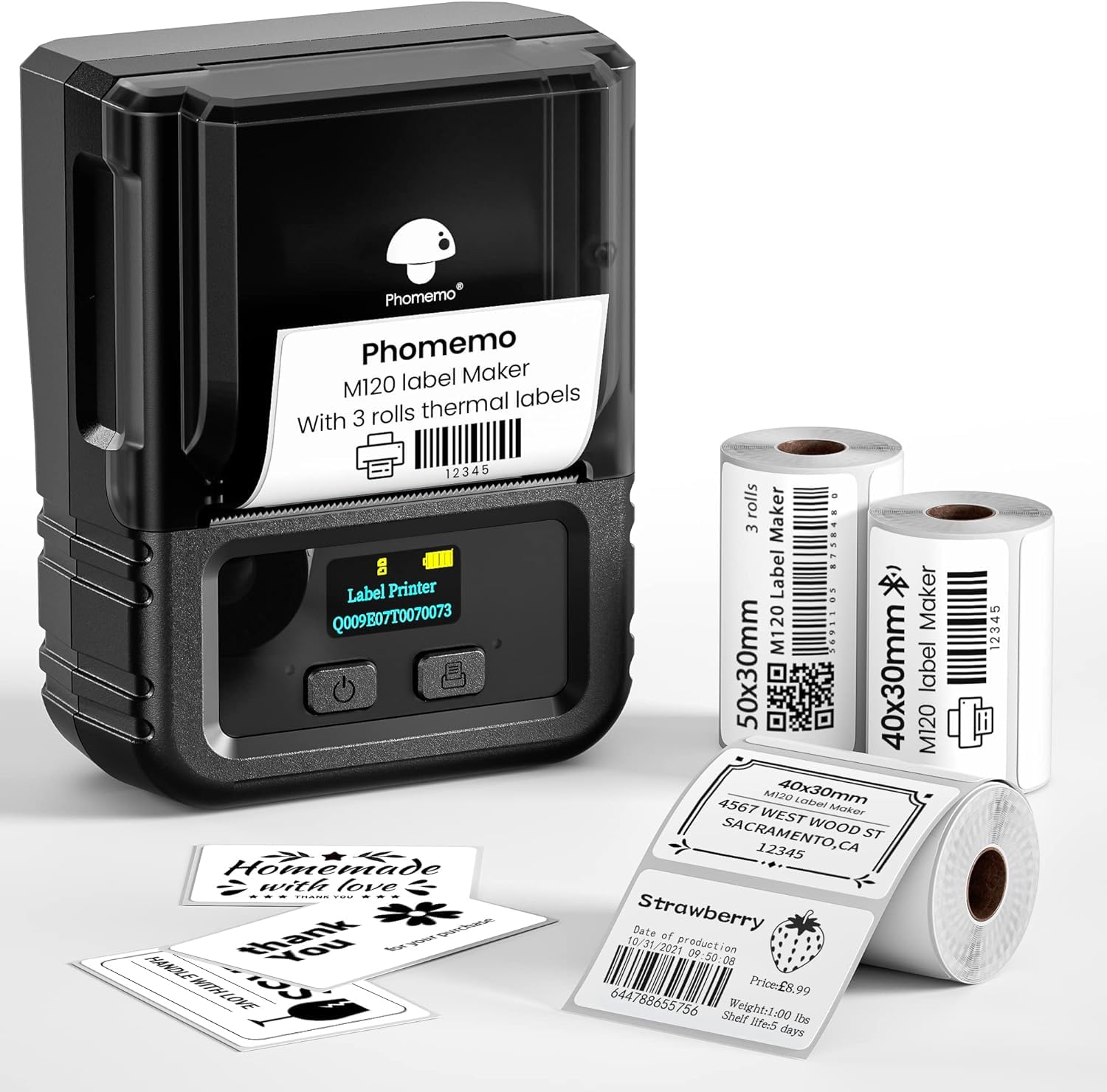
Read Amazon ReviewsPhomemo M120 Label Maker
A portable thermal label printer for home organizers, crafters, and small businesses that need flexible small-format labels from a phone or computer.
- Thermal printing produces monochrome labels without ink, toner, or ribbons.
- The adjustable paper slot and sizing guide support label widths from 20 to 50 mm.
- The package includes two 40 × 30 mm rolls and one 50 × 30 mm roll.
- Bluetooth supports wireless printing from iOS and Android devices; USB connects to a PC through Labelife software.

Pros
- Lightweight rechargeable design is convenient for moving between rooms or workstations.
- Broad 20–50 mm width support accommodates more small-label formats than a single-width printer.
Consider before buying
- The 20–50 mm width range is intended for small labels; buyers who need larger shipping labels should check the required label size before choosing it.
- Computer printing uses a separate Labelife software setup, so PC users should be comfortable installing and configuring a driver or application.
Read the full review summary
The M120 is built around the 20–50 mm label width range, with two 40 × 30 mm rolls and one 50 × 30 mm roll included.
It supports common small-label jobs such as barcodes, QR codes, addresses, food labels, and storage tags, while its 200 g weight and rechargeable design make it practical to move between a desk, packing area, or home workspace.
Its feature set is a good fit for users who want to create and print from an app, but also value a wired computer option.
The Print Master app offers OCR, voice recognition, templates, symbols, and fonts; PC users connect by USB and use Labelife software.
Buyers should confirm that the small-format label range fits their intended use, and consider the role of Phomemo thermal labels in achieving the intended print result.
The buying factors
Phomemo M120 Scorecard
Editorial scores reflect listed features and buyer fit; they are not laboratory measurements or customer ratings.
Portability
At 200 g, the printer is light enough to carry between work areas, and it can run on its rechargeable battery.
Label-size flexibility
The adjustable slot supports 20–50 mm widths, covering several small-label jobs without moving to a larger desktop printer.
Connection options
Bluetooth printing supports iOS and Android, while USB provides a computer connection.
App design tools
The described tools include OCR, voice recognition, and a large library of symbols, templates, and fonts.
Everyday task range
Barcode and QR code printing as well as address, food, storage, and name labels suit varied household and small-business routines.
Supply practicality
Thermal printing avoids ink, toner, and ribbons, though buyers should account for thermal label rolls and the recommendation to pair it with Phomemo labels.
Key Features and Specifications of Phomemo M120
- Thermal printing produces monochrome labels without ink, toner, or ribbons.
- The adjustable paper slot and sizing guide support label widths from 20 to 50 mm.
- The package includes two 40 × 30 mm rolls and one 50 × 30 mm roll.
- Bluetooth supports wireless printing from iOS and Android devices; USB connects to a PC through Labelife software.
- The Print Master app includes voice and image recognition, OCR, barcode and QR code tools, and custom designs.
- The app library offers more than 7,900 symbols, 1,900 templates, and 550 fonts across over 20 languages.
- The 200 g printer has a rechargeable battery, an auto-sleep mode after five minutes of inactivity, and a stated capacity of up to 3,000 labels per charge.
Pros and Cons of Phomemo M120
Pros
- Lightweight rechargeable design is convenient for moving between rooms or workstations.
- Broad 20–50 mm width support accommodates more small-label formats than a single-width printer.
- Both phone-based Bluetooth and computer USB workflows are supported.
- The app combines text recognition and voice input with a large selection of design resources.
- Thermal printing removes the need to keep ink or toner on hand.
Consider before buying
- The 20–50 mm width range is intended for small labels; buyers who need larger shipping labels should check the required label size before choosing it.
- Computer printing uses a separate Labelife software setup, so PC users should be comfortable installing and configuring a driver or application.
- The product description recommends pairing the printer with Phomemo thermal labels, which is a supply consideration for ongoing use.
Who Should Buy Phomemo M120?
Good fit
Choose the M120 if your routine involves recurring small labels for jars, pantry items, storage bins, addresses, barcodes, or products, and you want to print from either a phone or computer.
Its included rolls let you begin with two common small formats, and the adjustable slot gives some room to change label width for different tasks.
It also makes sense for mobile or shared workspaces where carrying a lightweight printer is useful.
The app's OCR and voice-recognition options may reduce repetitive entry for some workflows, while its template library gives users ways to create labels without designing every layout from scratch.
Who should skip it
Look elsewhere if your main task is printing large shipping labels or other formats wider than 50 mm. The M120 is designed around smaller labels, so verify the dimensions of your recurring labels before buying.
If your printing is exclusively computer-based, weigh whether installing and using Labelife through USB suits your workflow. Buyers who do not want software setup may prefer a printer whose supported process better matches their devices and routine.
How the Phomemo M120 Fits Small-Label Work
A size range geared to organizing and product labels
A maximum supported width of 50 mm places the M120 in the small-label category.
That range aligns with the described uses—from storage and food labels to addresses and barcodes—but it is worth measuring a typical label before buying, especially if a business uses several standardized formats.
Phone convenience with a computer route
Bluetooth printing supports iOS and Android, which suits quick edits and printing near the items being labeled.
USB connectivity broadens the setup for PC users, although it involves Labelife software; buyers should choose based on where their label designs and work files already live.
Thermal printing and supply planning
Because the M120 uses thermal printing, routine operation does not require ink, toner, or ribbons.
Label rolls remain the recurring supply, and the product guidance favors Phomemo thermal labels, so consider the formats you expect to use and their availability as part of the purchase decision.
App tools for repeatable label creation
The Print Master app combines recognition features with barcode and QR code creation and a broad design library.
These tools can help with repeated layouts or turning visible text into editable content, while the adjustable slot and sizing guide support switching among compatible widths.
Alternatives to Phomemo M120
Desktop Label Printers alternative
6,000+ ratings
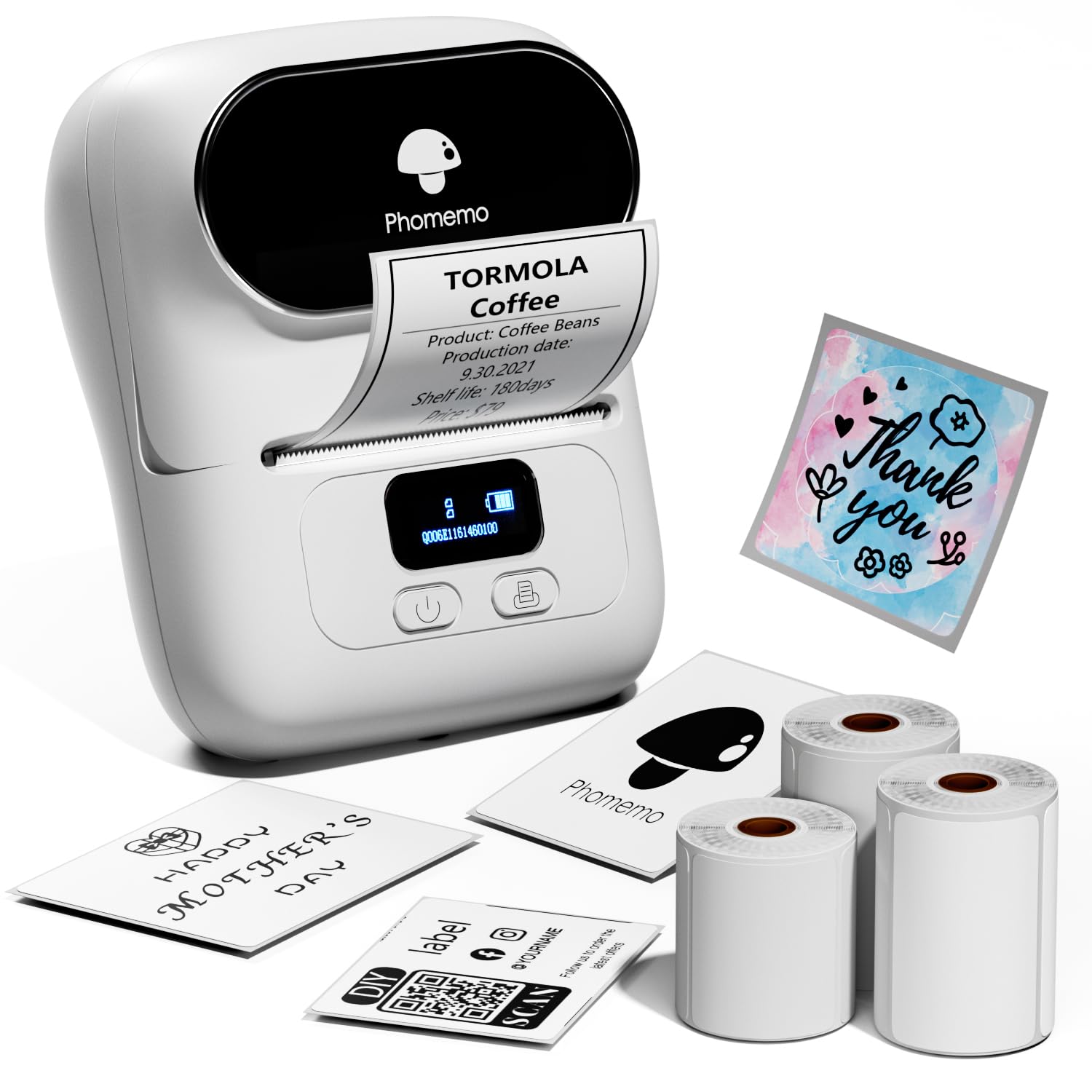
Read Amazon ReviewsPhomemo M110 Label Maker
Consider the M110 if its listed three-format starter set and phone-based Bluetooth workflow suit your routine. The M120 is the clearer fit if you value its stated per-charge label capacity and its described USB computer workflow.
- The M110 supports label widths from 20 to 50 mm, connects to Android and iOS by Bluetooth, and is described with Print Master app printing and a 33-foot Bluetooth range.
- Its package includes three label sizes.
- The M120 is described with a 200 g body, a stated capacity of up to 3,000 labels per charge, and a 20–50 mm label-width range.
Desktop Label Printers alternative
700+ ratings
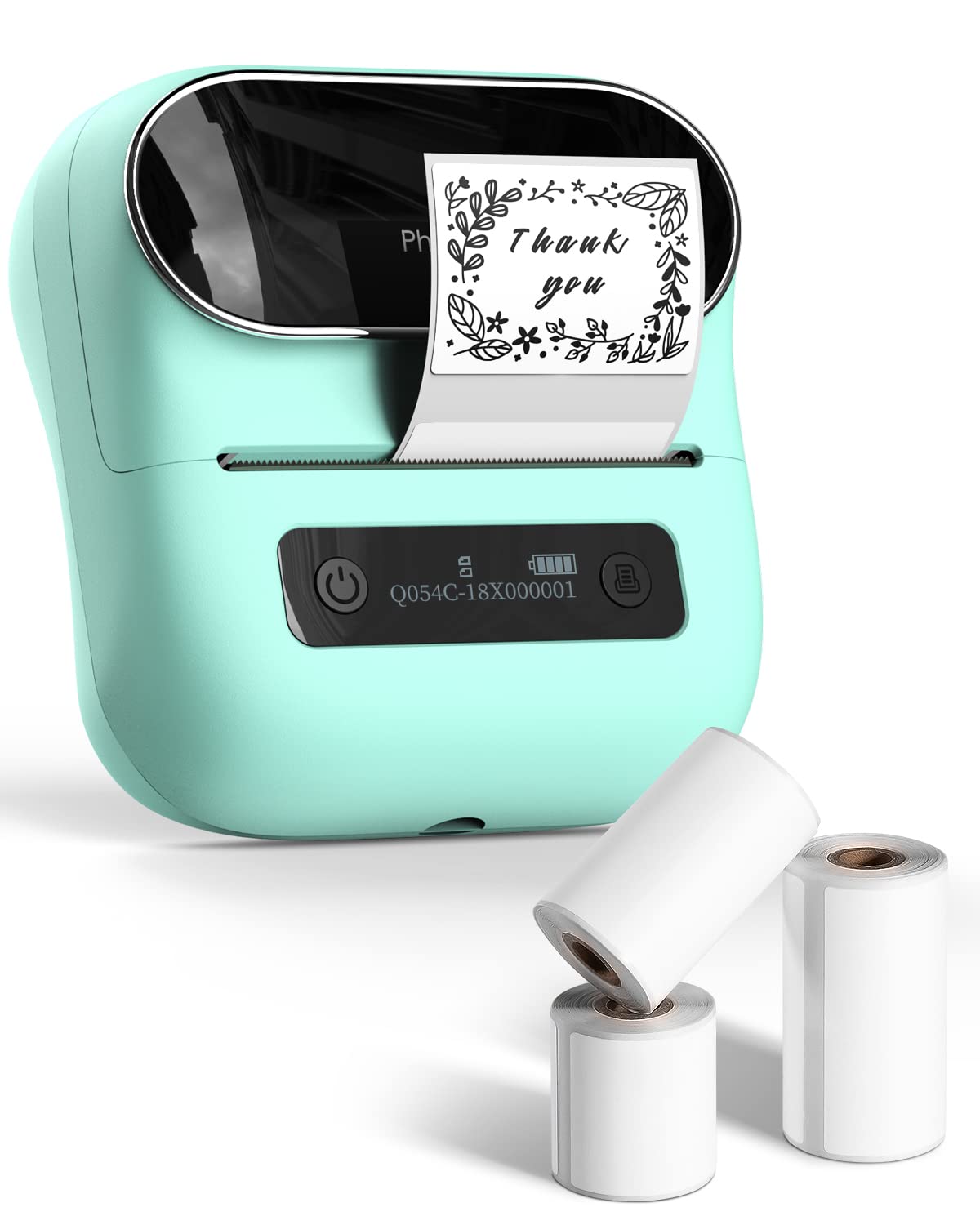
Read Amazon ReviewsPhomemo M220 Label Maker
The M220 may suit buyers who need a wider range of label widths while keeping phone and computer connection options.
The M120 is the more compactly specified choice for users whose labels stay within 20–50 mm and who want a lighter 200 g device.
- The M220 supports label widths from 0.78 to 3.14 inches and offers Bluetooth for phones and tablets plus USB for computers, including Windows, macOS, and Chrome.
- Its description specifically says it does not support 4 × 6 shipping labels.
- The M120 supports small labels up to 50 mm wide and offers phone Bluetooth plus USB computer connectivity.
Is Phomemo M120 Worth It?
The Phomemo M120 Label Maker is worth considering for home organizers, crafters, and small businesses that regularly print compact labels and want both mobile and computer workflows.
Its adjustable 20–50 mm slot, app tools, included rolls, and portable rechargeable format make a versatile small-label package.
Before buying, check the dimensions of your labels and whether USB software setup fits your computer routine.
For larger formats, this model's stated width range may not be the right match; for smaller recurring jobs, its combination of portability and design tools is appealing.
Your review at a glance
1,000+ ratings
Read Amazon ReviewsPhomemo M120 Label Maker
A portable thermal label printer for home organizers, crafters, and small businesses that need flexible small-format labels from a phone or computer.
- Thermal printing produces monochrome labels without ink, toner, or ribbons.
- The adjustable paper slot and sizing guide support label widths from 20 to 50 mm.
- The package includes two 40 × 30 mm rolls and one 50 × 30 mm roll.
- Bluetooth supports wireless printing from iOS and Android devices; USB connects to a PC through Labelife software.