The Phomemo M220 Label Maker review is for shoppers who want a portable thermal printer for household organization, office tasks, or small-business labeling.
Its 0.78- to 3.14-inch label range and phone and computer connections give it broader uses than a narrow tape-only organizer, while its maximum width still rules out standard 4 × 6-inch shipping labels.
Phomemo M220 Review Summary
The quick verdict
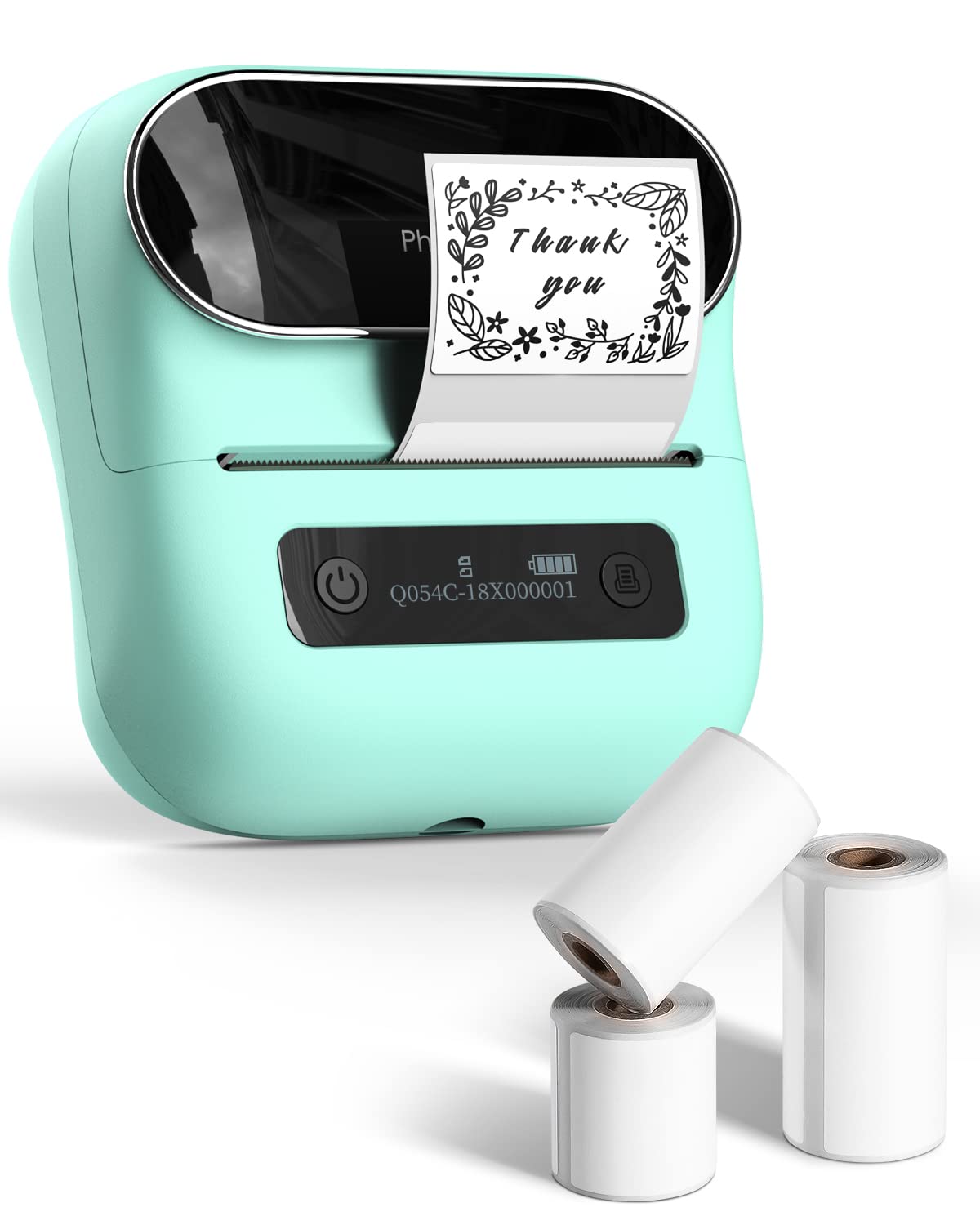
700+ ratings
Read Amazon ReviewsPhomemo M220
A versatile choice for home organizers and small sellers who need phone or computer label printing in widths up to 3.14 inches.
- Thermal printing uses thermal paper and does not require ink, toner, or ribbon replacement.
- Accepts label widths from 0.78 to 3.14 inches; it cannot print 4 × 6-inch shipping labels.
- Connects to smartphones and tablets over Bluetooth, and to computers over USB.
- Computer support covers Windows, macOS, and Chrome OS; Linux is not supported.

Pros
- A wider label range than small tape-focused organizers, reaching 3.14 inches.
- Mobile Bluetooth and wired computer printing suit different work habits.
Consider before buying
- The 3.14-inch maximum width excludes standard 4 × 6-inch shipping labels.
- Computer use requires installing the M220 driver and Labelife app, while phones and tablets use Print Master.
Read the full review summary
The M220 is a compact, rechargeable thermal label printer designed to handle more than file folders and pantry jars.
It can print barcodes, QR codes, text, pictures, and other designs through the Print Master app, with Bluetooth printing from phones and tablets and USB printing from compatible computers.
Because it uses thermal paper, there is no need to replace ink, toner, or ribbons.
That mix makes it a plausible fit for a household, classroom, office, or small seller who wants a single device for varied labels and prefers designing on a phone or computer.
Its headline limitation is important: it supports label widths only up to 3.14 inches, so it cannot print 4 × 6-inch shipping labels.
Buyers should also account for the different app and driver steps required across mobile and desktop workflows.
The buying factors
Phomemo M220 Scorecard
Editorial scores reflect listed features and buyer fit; they are not laboratory measurements or customer ratings.
Label-width flexibility
The supported 0.78- to 3.14-inch range covers many everyday, organizational, and product-label tasks, though not 4 × 6-inch shipping labels.
Design tools
Print Master includes text, image, barcode, QR code, OCR, form, icon, and template functions for varied label layouts.
Device compatibility
Bluetooth serves phones and tablets, and USB adds computer printing on Windows, macOS, and Chrome OS.
Ink-free upkeep
Direct thermal printing removes the need for ink, toner, or ribbon replacements; thermal paper remains the required consumable.
Portability and battery
A 2200 mAh battery and auto-sleep mode support mobile use, with up to 36 rolls of continuous printing given as the maximum.
Shipping-label suitability
Its maximum supported width is 3.14 inches, making it unsuitable for standard 4 × 6-inch shipping labels.
Key Features and Specifications of Phomemo M220
- Thermal printing uses thermal paper and does not require ink, toner, or ribbon replacement.
- Accepts label widths from 0.78 to 3.14 inches; it cannot print 4 × 6-inch shipping labels.
- Connects to smartphones and tablets over Bluetooth, and to computers over USB.
- Computer support covers Windows, macOS, and Chrome OS; Linux is not supported.
- The Print Master app offers text, pictures, barcodes, QR codes, OCR, forms, icons, and pre-made templates.
- The 2200 mAh battery is rated for up to 36 rolls of continuous printing; auto-sleep is described as reducing power consumption by 25% and extending use time by 2–3 hours.
Pros and Cons of Phomemo M220
Pros
- A wider label range than small tape-focused organizers, reaching 3.14 inches.
- Mobile Bluetooth and wired computer printing suit different work habits.
- A broad set of app tools can support both simple labels and barcode or QR-code designs.
- Thermal operation avoids routine ink, toner, and ribbon replacement.
Consider before buying
- The 3.14-inch maximum width excludes standard 4 × 6-inch shipping labels.
- Computer use requires installing the M220 driver and Labelife app, while phones and tablets use Print Master.
- The cited maximum battery output is conditional; actual continuous use may vary with the printing task and setup.
Who Should Buy Phomemo M220?
Good fit
Consider the M220 if you need one printer for household organization, school or office labels, and small-business tasks such as product, price, or barcode labels.
Its width range gives room for larger designs than narrow handheld tape printers, and the app supports several content types beyond plain text.
It makes the most sense if you are comfortable creating labels in an app and want the option to print from either a mobile device or a computer.
Before buying, check that your usual label stock falls within 0.78 to 3.14 inches and that your computer uses a supported operating system.
If your workflow is mostly mobile, Bluetooth is the direct route; for a computer, plan on USB and the required software.
The battery rating may appeal to people who label away from a fixed desk, especially with auto-sleep enabled.
Treat the stated roll count as an upper limit rather than a guaranteed result for every job, and consider how frequently you print and whether you can keep thermal paper available.
Who should skip it
Skip this model if your regular workflow depends on 4 × 6-inch parcel labels. Its stated width ceiling is too small for that format, so choose a printer explicitly designed for standard shipping labels.
It may also be a poor fit if you need Linux computer support or want a device that prints without installing software. The M220's listed computer setup calls for a compatible operating system, driver, Labelife, and USB connection.
How the Phomemo M220 Fits Everyday Labeling
A useful middle ground in label size
The 0.78- to 3.14-inch range allows room for address, folder, product, and organization labels that can feel cramped on miniature tape formats.
The tradeoff is a clear ceiling: width flexibility does not make this a full-size shipping-label printer, and the product description specifically excludes 4 × 6-inch labels.
App features for more than plain text
Print Master includes tools for pictures, codes, OCR, forms, icons, and templates, which can help when labels need structured or scannable content.
These are creation options rather than a guarantee that every design will suit every label size; select the label dimensions in the app and keep the layout appropriate to the material you plan to print.
Two connection paths, with different setup
Bluetooth supports phone and tablet printing, while computers connect through USB. Mobile users work in Print Master; computer users need the M220 driver and Labelife app, and Linux is excluded from the supported systems.
Buyers who switch between devices should expect to use the relevant software for each route.
Thermal printing and power use
Direct thermal printing removes ink, toner, and ribbon from the supply routine, leaving thermal paper as the print material.
The rechargeable 2200 mAh battery, auto-sleep mode, and stated maximum of up to 36 rolls of continuous printing make portability part of the design, though that maximum should not be treated as a promise for every label or use pattern.
Alternatives to Phomemo M220
Battery-focused alternative
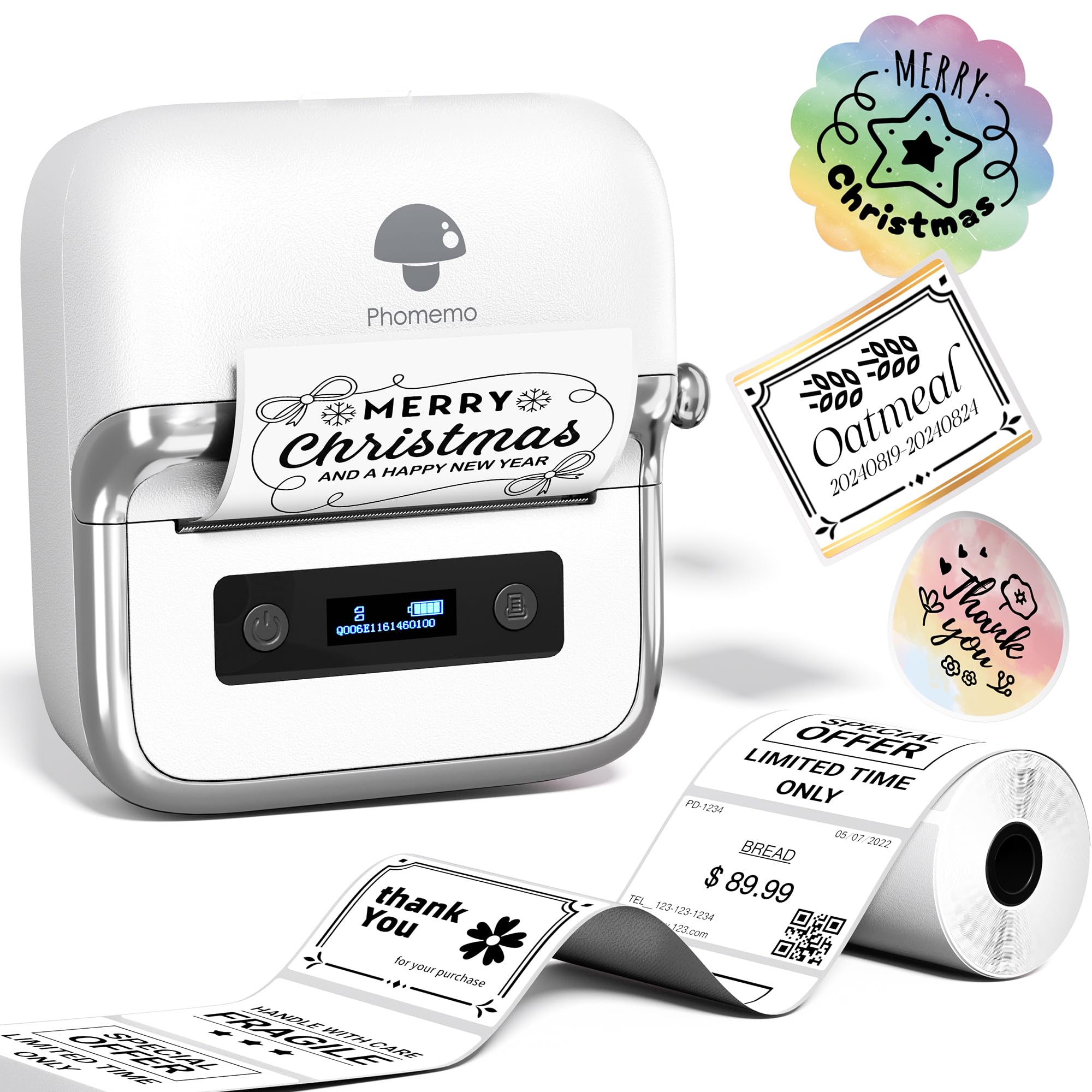
700+ ratings
Read Amazon ReviewsPhomemo M250
Compare the M250 if you want a similar width class and its listed batch-printing and app functions are a closer match to your workflow. Since both exclude 4 × 6-inch labels, it does not solve that particular need.
- The M250 is also a 3-inch Phomemo label maker with a 0.78- to 3.14-inch width range and no 4 × 6-inch support.
- Its description lists a 2200 mAh battery, Bluetooth for mobile devices, USB computer connection, and a Print Master app with batch printing, OCR, images, and voice recognition.
- The M220 supports label widths up to 3.14 inches, works with phones and computers, and is expressly not for 4 × 6-inch shipping labels.
Desktop Label Printers alternative
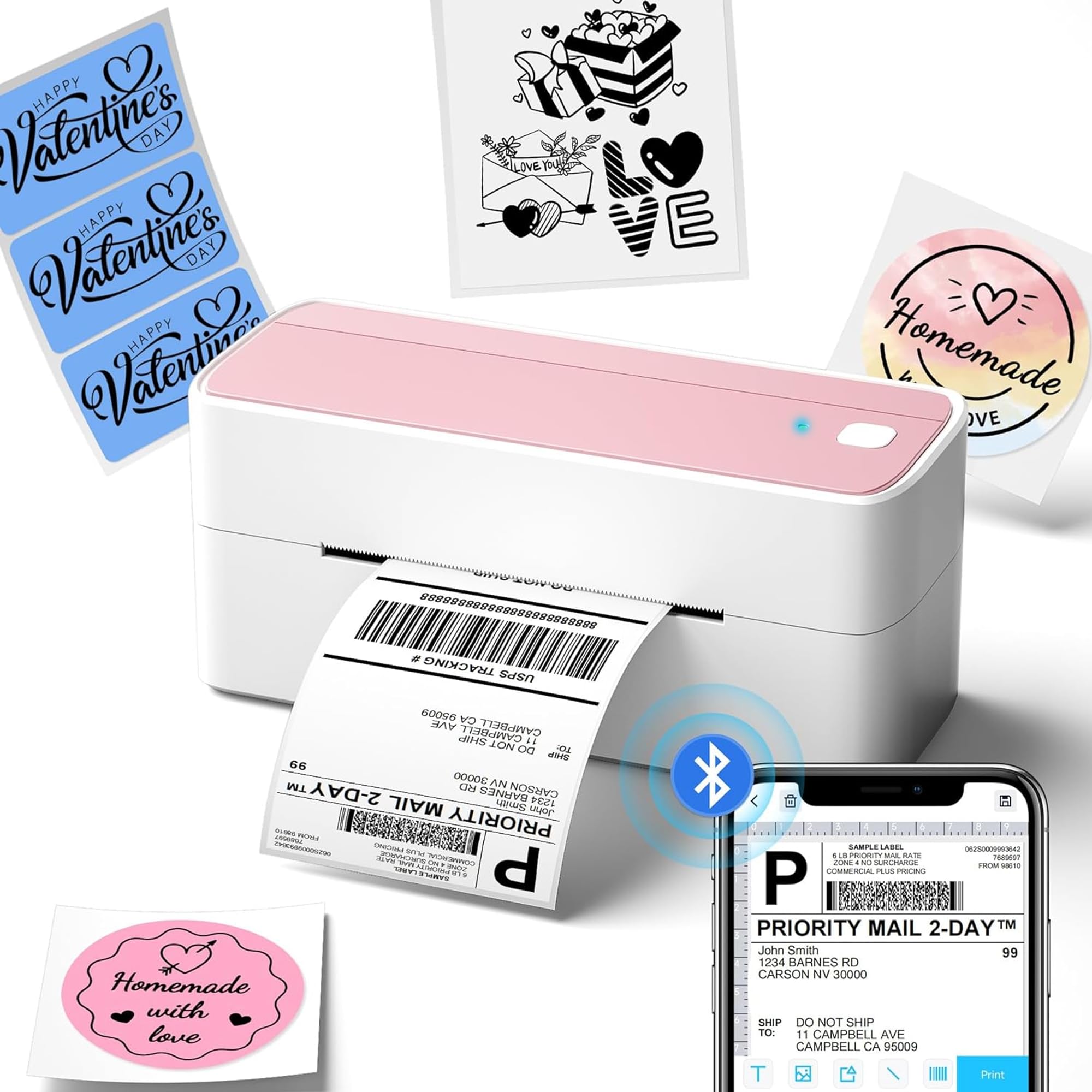
4,000+ ratings
Read Amazon ReviewsPhomemo 241BT
Choose the 241BT for a shipping-centered setup that needs 4 × 6-inch labels. The M220 is the better fit when smaller household, office, or product labels are the priority and its 3.14-inch ceiling is sufficient.
- The Phomemo 241BT supports label widths from 1 to 4.6 inches and includes 4 × 6-inch shipping labels among its uses.
- Its description lists Bluetooth and USB connectivity for supported mobile and computer workflows.
- The M220 is a portable, up-to-3.14-inch label maker for smaller labels and cannot print the standard 4 × 6-inch shipping format.
Is Phomemo M220 Worth It?
The Phomemo M220 is worth considering if you want a portable, app-driven thermal printer for a mix of household, school, office, or small-business labels.
Its wide range of design tools, Bluetooth and USB options, and 0.78- to 3.14-inch support make it flexible for that role.
Buy it only if that label-width range matches your real tasks. It cannot handle 4 × 6-inch shipping labels, and computer printing involves driver and app setup.
For smaller labels across several settings, it offers a practical feature mix; for parcel shipping, choose a model built for the larger format.
Your review at a glance
700+ ratings
Read Amazon ReviewsPhomemo M220
A versatile choice for home organizers and small sellers who need phone or computer label printing in widths up to 3.14 inches.
- Thermal printing uses thermal paper and does not require ink, toner, or ribbon replacement.
- Accepts label widths from 0.78 to 3.14 inches; it cannot print 4 × 6-inch shipping labels.
- Connects to smartphones and tablets over Bluetooth, and to computers over USB.
- Computer support covers Windows, macOS, and Chrome OS; Linux is not supported.